Masterbet88 App Download for Android: APK Install Guide
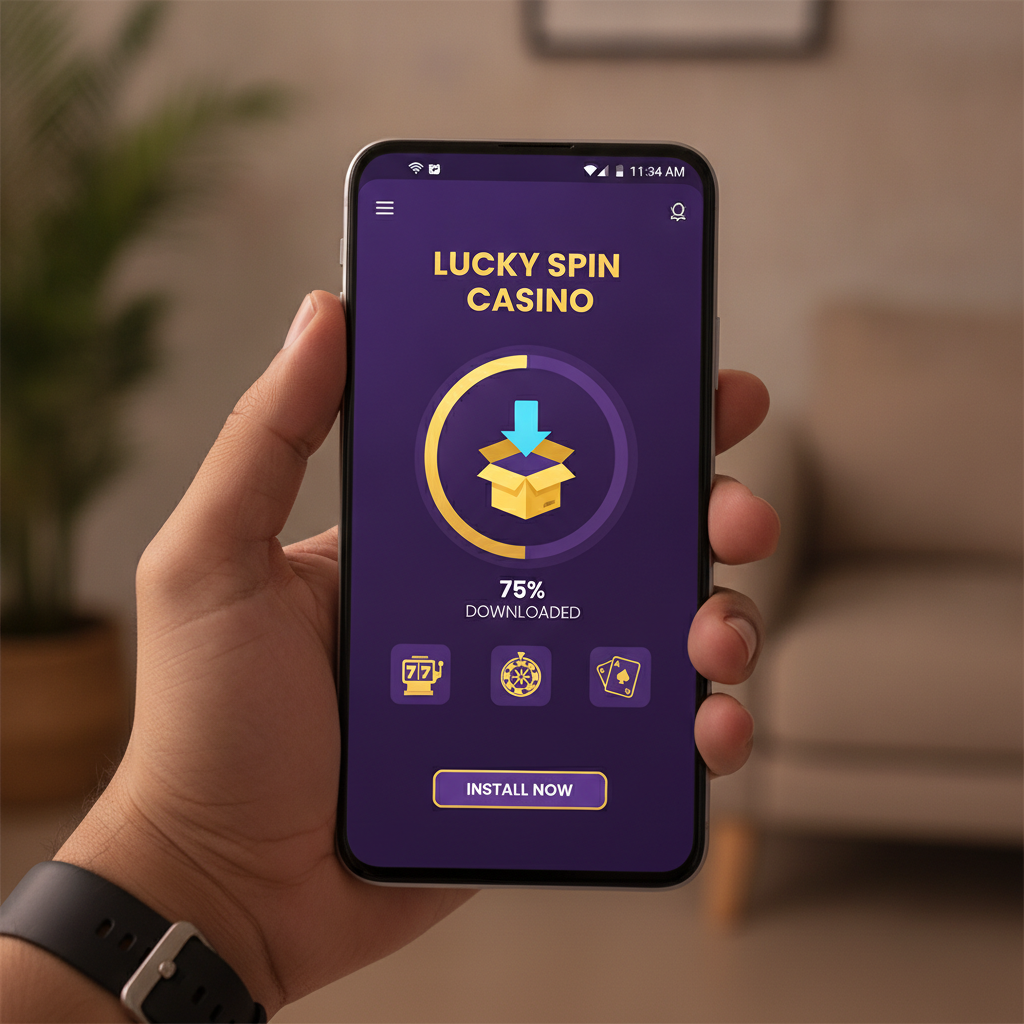
Where to Download the Official Masterbet88 Android APK File
The Masterbet88 Android app is not available on Google Play Store. Filipino players need to download the APK file directly from the official Masterbet88 website.
Open Chrome or your default browser on your Android phone, navigate to the Masterbet88 homepage, and look for the "Download App" or "Mobile App" link—usually displayed as a banner at the top of the site or in the main menu. Tap that link to reach the download page.
Some users may also see a pop-up prompt on their first mobile visit asking if they want to download the app. If you accidentally closed that pop-up, scroll to the footer and tap "App Download" or "Android APK."
Important: Only download the APK from the official Masterbet88 domain. Third-party mirrors or APK sharing sites can host outdated or modified files. Masterbet88 does not distribute its Android app through alternative stores or Telegram groups.
Once you tap the download button, your browser will begin downloading a file named something like Masterbet88.apk or Masterbet88_v1.x.apk. The download typically takes 10–30 seconds on a stable mobile-data or Wi-Fi connection in Metro Manila or the provinces.
Step-by-Step APK Installation on Android
After the APK file finishes downloading, follow these steps to install the Masterbet88 app on your Android phone:
1. Enable "Unknown Sources" or "Install Unknown Apps"
Android blocks APK files from sources other than the Play Store by default. You need to grant your browser permission to install apps.
- When you tap Open after the download completes, Android will show a security prompt that says "For your security, your phone is not allowed to install unknown apps from this source."
- Tap Settings in that prompt. You will land on the "Install unknown apps" screen for your browser (Chrome, Samsung Internet, etc.).
- Toggle the switch to Allow from this source.
- Tap the back button to return to the installation screen.
On older Android versions (below 8.0), the setting may be labeled "Unknown sources" under Settings > Security. Enable it, then return to your Downloads folder.
2. Install the APK
Once the permission is enabled:
- Tap Install at the bottom of the screen.
- Android will verify the package. This takes a few seconds.
- When verification completes, tap Open.
The Masterbet88 app icon will now appear on your home screen or app drawer.
3. Open and Log In
Launch the app and enter your Masterbet88 username and password on the login screen. If you already have an account, you will see your peso balance and can start placing bets immediately.
First-time users can tap "Register" inside the app, but account setup and verification steps are covered on separate beginner-focused guide sites—this guide assumes you already have a Masterbet88 account and want to use the Android app for faster access.
After logging in, you may see a one-time permission request for notifications. Allowing this lets Masterbet88 send alerts about cashout approvals, deposit confirmations, or promotional messages. You can disable notifications later in your phone's app settings if you prefer.
App File Size, Android Version Requirements, and Storage Needs
The Masterbet88 APK file is approximately 80–120 MB in size, depending on the version. After installation, the app occupies around 150–200 MB of storage once caches and assets are loaded.
Minimum Android version: Android 5.0 (Lollipop) or higher. Most budget and mid-range phones sold in the Philippines in the past five years meet this requirement. If your phone runs Android 4.4 or older, you will not be able to install the current Masterbet88 app.
Recommended: Android 7.0 or newer, 2 GB of RAM, and at least 500 MB of free storage. This ensures smooth performance when navigating between slots, live dealer tables, and sports betting markets, especially if you keep multiple apps open.
If you are low on storage, uninstall unused apps or clear cached files from your gallery and messaging apps before downloading the Masterbet88 APK. A phone with less than 200 MB free may struggle to complete the installation or will run slowly once the app is open.
Troubleshooting Installation Errors and Update Notifications
"App Not Installed" or "Package Invalid"
If you see this error after tapping Install:
- Delete the APK and re-download. A partial or corrupted download can fail verification. Go to your Downloads folder, long-press the Masterbet88 APK file, and tap Delete. Then return to the Masterbet88 website and download again.
- Check your Android version. If your phone runs Android 4.4 or older, the APK will not install. Check under Settings > About Phone > Android Version.
- Free up storage. If your phone has less than 200 MB available, the installer cannot unpack the app files. Delete old photos, videos, or apps you no longer use.
"Parse Error"
A parse error means the APK file is damaged or incompatible. Re-download from the official Masterbet88 site. Do not use a cached copy saved in a file-sharing app or cloud drive—these can become outdated or incomplete.
App Crashes or Won't Open After Install
If the Masterbet88 app installs but closes immediately when you tap the icon:
- Restart your phone. This clears temporary system conflicts.
- Reinstall the app. Uninstall Masterbet88, then download and install the APK again.
- Update your Android OS. Go to Settings > System > System Update and install any pending patches. Some app features require security updates introduced in Android 6.0 or 7.0.
If crashes persist, the issue may be device-specific—older phones with 1 GB of RAM or less sometimes struggle with live-streaming features or animated slot graphics. In that case, use the mobile web version of Masterbet88 in your browser instead of the app.
Update Notifications: "New Version Available"
Masterbet88 occasionally releases app updates with bug fixes, new game integrations, or faster cashout processing. When an update is available, you will see a banner inside the app or receive a push notification.
To update:
- Tap the notification or banner. You will be redirected to the download page on the Masterbet88 website.
- Download the new APK file.
- Tap Install when prompted. Android will replace the old version without deleting your login credentials or settings.
You do not need to uninstall the old app first. The new APK will overwrite it automatically. Your peso balance, bet history, and saved payment methods remain intact after the update.
If you ignore the update prompt, the app will usually continue working, but you may miss performance improvements or encounter compatibility issues with newer game providers. It is good practice to install updates within a week of release.
"Insufficient Storage" During Update
If an update fails because of storage limits, uninstall the current Masterbet88 app, free up at least 300 MB, then download and install the latest APK from scratch. You will not lose your account data—it is stored on Masterbet88 servers, not your phone.
21+ Only: Set Deposit Limits Before You Play
Masterbet88 is restricted to players aged 21 and over. The platform may request ID verification before processing your first withdrawal. Have a valid government-issued ID ready—such as a Philippine passport, driver's license, or UMID card.
Before placing bets, consider setting a daily or weekly deposit limit inside the app. Navigate to Account > Responsible Gaming in the menu and choose a peso amount that fits your budget. Once set, the app will block additional deposits until the time window resets.
Gambling should be entertainment, not a way to solve financial problems. If you feel you are spending more time or money than intended, reach out to support and ask about self-exclusion or cooling-off options. The National Council on Problem Gambling in the Philippines offers free, confidential help at their hotline and website.
Only deposit what you can afford to lose, and never chase losses by increasing your stakes. Masterbet88 provides tools to help you stay in control, but the ultimate responsibility for safe play rests with you.
This is an independent guide. We do not operate Masterbet88. For official support, contact the Masterbet88 customer service team through live chat or the help center on their website.