Masterbet88 GCash Deposit: How to Load Your Account in Minutes
Why GCash Is a Popular Deposit Method on Masterbet88
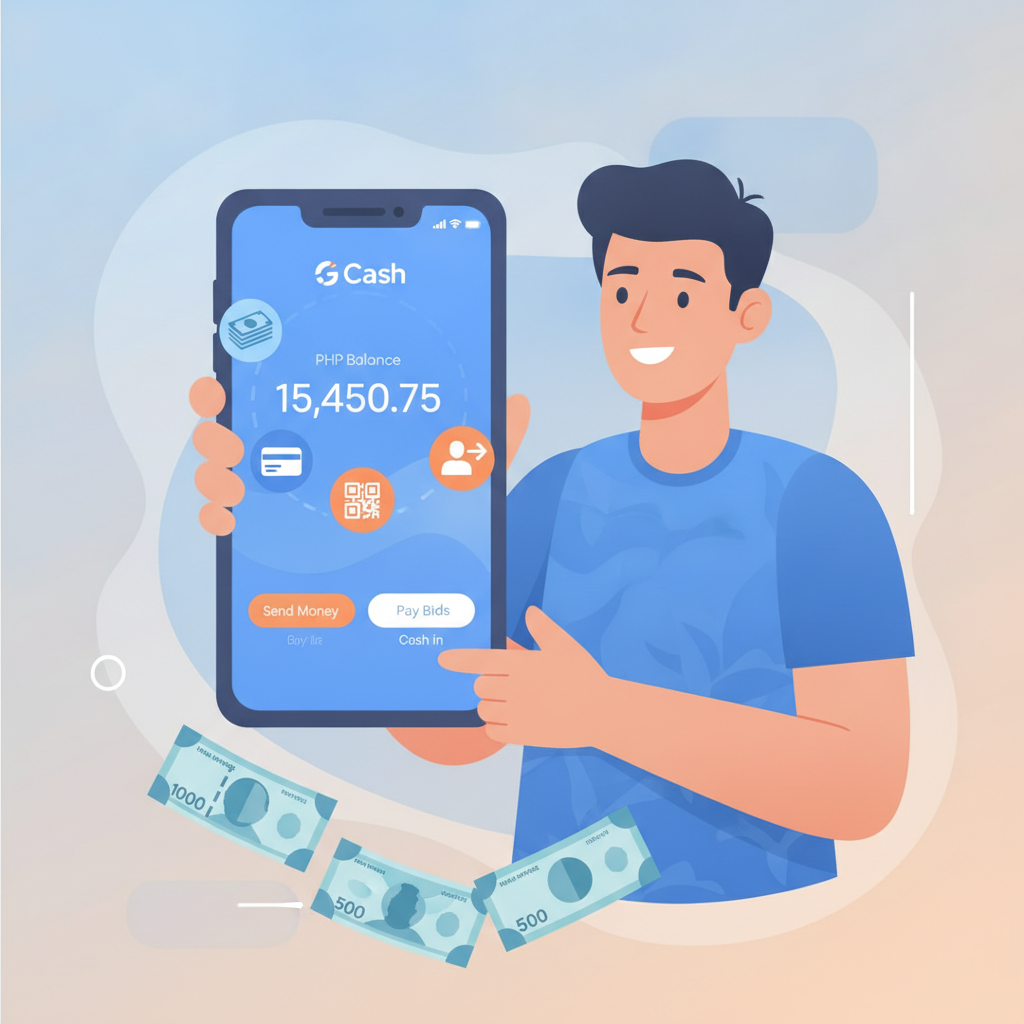
GCash is one of the most convenient ways to load your Masterbet88 account. Most Filipino players already have the e-wallet installed on their Android phones, and deposits typically reflect within minutes. Unlike bank transfers that may take hours, GCash lets you top up your casino balance and start playing slots, live dealer games, or place bets on PBA and NBA almost immediately.
Masterbet88 processes GCash deposits through its cashier page, and the steps work on both mobile browsers and desktop. This guide walks you through the exact process, covers the minimum deposit and limits, and explains what to do when a payment gets stuck.
21+ only. Online gambling is for adults. Only deposit money you can afford to lose.
Step-by-Step: How to Deposit with GCash on Masterbet88 (Mobile)
Most Masterbet88 players use their phones, so the mobile deposit flow is the most common. Before you start, make sure your GCash wallet has enough balance to cover your intended deposit plus any GCash service fees.
1. Log in to Masterbet88
Open your mobile browser (Chrome, Safari, or the Masterbet88 app if you've installed the APK) and log in using your registered username and password. If you're already logged in, tap the menu icon or your account balance at the top of the screen.
2. Go to the Cashier or Deposit Section
Look for a button labeled Deposit, Cashier, or a wallet icon. On most versions of the Masterbet88 mobile site, this appears in the top navigation bar or in the main menu drawer.
3. Select GCash as Your Payment Method
The cashier page will show a list of deposit options: GCash, Maya, bank transfer (InstaPay or PESONet), and sometimes over-the-counter channels. Tap GCash.
4. Enter Your Deposit Amount
Type the amount you want to deposit in Philippine pesos. The minimum GCash deposit on Masterbet88 is typically PHP 100, though this can vary depending on promotions or account status. You'll see the minimum and maximum amounts displayed on the screen.
5. Confirm and Proceed to GCash
After entering your amount, tap Confirm or Proceed. Masterbet88 will redirect you to a GCash payment page or prompt you to open the GCash app on your phone.
6. Authorize the Payment in GCash
If the GCash app opens automatically, review the payment details: recipient, amount, and reference number. Enter your GCash MPIN to authorize the transaction. If you're redirected to a web payment page, log in to your GCash account and confirm the payment there.
7. Wait for Confirmation
Once you authorize the payment, GCash will send you an SMS receipt, and Masterbet88 will display a confirmation message. In most cases, your deposit will reflect in your Masterbet88 balance within one to five minutes.
8. Check Your Masterbet88 Balance
Return to the Masterbet88 home screen or refresh your balance. The deposited amount should appear, and you're ready to play slots, join a live dealer table, or place a sports bet.
How to Deposit with GCash on Masterbet88 (Desktop)
The desktop deposit process is nearly identical, but some players prefer using a laptop or PC when managing larger amounts or checking transaction history.
- Log in to Masterbet88 on your browser (Chrome, Edge, or Firefox recommended).
- Click Deposit or Cashier in the top menu.
- Choose GCash from the list of payment methods.
- Enter your deposit amount (minimum PHP 100).
- Click Confirm or Submit. Masterbet88 will generate a payment reference and redirect you to a GCash payment portal.
- Scan the QR code with your GCash app, or log in to GCash via the web portal and confirm the transaction.
- Enter your MPIN to complete the payment.
- Return to Masterbet88 and check your balance.
Desktop users often use the GCash QR scan feature, which can be faster than typing in details manually on mobile.
Minimum GCash Deposit and Daily Limits on Masterbet88
Minimum deposit: PHP 100 is the standard floor for GCash deposits on Masterbet88. Some promotions may require a higher minimum—for example, PHP 200 or PHP 300 to qualify for a reload bonus—but the platform's baseline is typically PHP 100.
Maximum deposit per transaction: This varies by account verification level and payment processor, but many players report single-transaction caps between PHP 10,000 and PHP 50,000 for GCash. Fully verified accounts usually enjoy higher limits.
Daily deposit limits: Masterbet88 may impose a daily cap—often around PHP 50,000 to PHP 100,000—depending on your account history and verification status. GCash itself also enforces monthly transaction limits based on your wallet's verification tier:
- Unverified GCash: PHP 8,000 per month
- Semi-verified GCash: PHP 100,000 per month
- Fully verified GCash: Up to PHP 500,000 per month
Make sure your GCash account is fully verified if you plan to deposit larger amounts regularly.
How Long Do GCash Deposits Take to Reflect?
In the majority of cases, GCash deposits on Masterbet88 are instant to five minutes. The exact speed depends on:
- GCash server load: Peak hours (evenings and weekends) can slow processing slightly.
- Masterbet88 payment gateway: If the casino's payment processor is undergoing maintenance or high traffic, deposits may queue for a few extra minutes.
- Network connectivity: Weak mobile data or Wi-Fi can delay the final confirmation message.
If your balance updates within five minutes, everything is working normally. Deposits that take longer than ten minutes warrant a check.
What to Do If Your GCash Payment Isn't Showing Up
Delayed or missing deposits are frustrating but usually solvable. Follow these steps in order:
1. Check Your GCash Transaction History
Open the GCash app and review your transaction list. Confirm that the payment to Masterbet88 (or the payment processor name displayed) was deducted from your wallet. If the money is still in your GCash balance, the transaction may not have pushed through—try depositing again.
2. Wait 15–30 Minutes
Network delays or payment gateway queues can hold deposits for up to 30 minutes, especially during peak betting hours (evenings, big game days like PBA playoffs or NBA finals). Refresh your Masterbet88 balance or log out and log back in.
3. Screenshot Your GCash Receipt
If the payment was deducted but still hasn't appeared after 30 minutes, take a screenshot of your GCash transaction receipt. Include the reference number, timestamp, amount, and recipient name. You'll need this to contact support.
4. Contact Masterbet88 Customer Support
Reach out via live chat, email, or the in-app support feature. Provide:
- Your Masterbet88 username
- The GCash reference number
- The exact deposit amount and time
- Your screenshot
Support teams can manually credit deposits or escalate the issue to the payment processor. Most cases are resolved within a few hours, though complex issues may take up to 24 hours.
5. Contact GCash Customer Service
If Masterbet88 support confirms they haven't received the payment and GCash shows the money was deducted, file a dispute with GCash through their app or hotline. This is rare but can happen if the payment gateway rejects the transaction after GCash processes it.
Common Reasons GCash Deposits Fail or Delay
- Insufficient GCash balance: Always check that your wallet has enough to cover the deposit plus any service fee (usually a small percentage).
- Incorrect deposit amount: Entering an amount below PHP 100 or above your daily limit will cause an error.
- Maintenance windows: Both Masterbet88 and GCash occasionally schedule system maintenance, especially late at night or early morning. Check for announcements.
- Unverified GCash account: If your GCash wallet isn't verified, monthly limits are very low, and some transactions may be blocked.
- Expired session: If you leave the deposit page open too long before authorizing in GCash, the session may time out. Start the deposit process again.
Tips for Smooth GCash Deposits on Masterbet88
- Keep your GCash app updated to the latest version for fewer glitches.
- Use a stable internet connection (Wi-Fi or strong 4G/5G) to avoid dropped sessions.
- Verify your GCash account fully to unlock higher limits and faster processing.
- Deposit during off-peak hours (mornings or early afternoons) if you want the fastest crediting.
- Save your transaction receipts by screenshotting every GCash payment until it reflects on Masterbet88.
Fees and Costs for GCash Deposits
Masterbet88 typically does not charge a fee for GCash deposits, but GCash may apply a small service fee—usually less than 1% of the transaction amount or a flat PHP 10–15, depending on the merchant and your wallet type. Always review the final amount before confirming in the GCash app.
There are no hidden charges on the Masterbet88 side for standard GCash deposits. If you see an unexpected deduction, contact support immediately.
Responsible Gambling Reminder
GCash makes it easy to deposit instantly, but that convenience also means it's important to set personal limits. Before you load your account, decide on a budget and stick to it. Masterbet88 offers responsible gambling tools like deposit limits and self-exclusion if you need help managing your play.
You must be 21 years or older to use Masterbet88. Only gamble with money you can afford to lose. If you feel your gambling is becoming a problem, seek help from a support organization.
Summary: Depositing with GCash on Masterbet88 is fast, straightforward, and works on any mobile browser or desktop. Most deposits reflect in under five minutes, and the PHP 100 minimum makes it accessible for casual players. If a payment doesn't appear, check your GCash receipt, wait up to 30 minutes, and contact Masterbet88 support with your reference number. Always deposit responsibly and within your personal budget.